Receipts Aren't Just Paper: What Small Shops Need to Know About Tax-Compliant Printing in 2026
We build Pultrack, a point-of-sale and inventory app for small retailers, and one of the most common support questions we get isn't about inventory or discounts — it's "does my receipt printer make me compliant?" The short answer is no, and the confusion around that question is exactly why we wanted to write this piece. Receipt printing sits at the intersection of two very different things: a piece of hardware that spits out paper, and a legal record that tax authorities can audit. Shop owners often buy the printer and assume the compliance box is ticked. It usually isn't.
Why is a receipt printer not the same as tax compliance?
A thermal printer is a dumb device: it prints whatever the software sends it. Compliance lives in the template and the data behind it — not the plastic box on the counter.[1] Industry writeups on receipt hardware make this point directly: the printer is a delivery mechanism, and it's the point-of-sale software that decides whether the output includes the fields a tax authority requires.[1] That distinction matters a lot for small shops buying their first proper till system, because it's tempting to treat "buy a receipt printer" and "become compliant" as the same purchase decision.
What actually has to be on a compliant receipt?
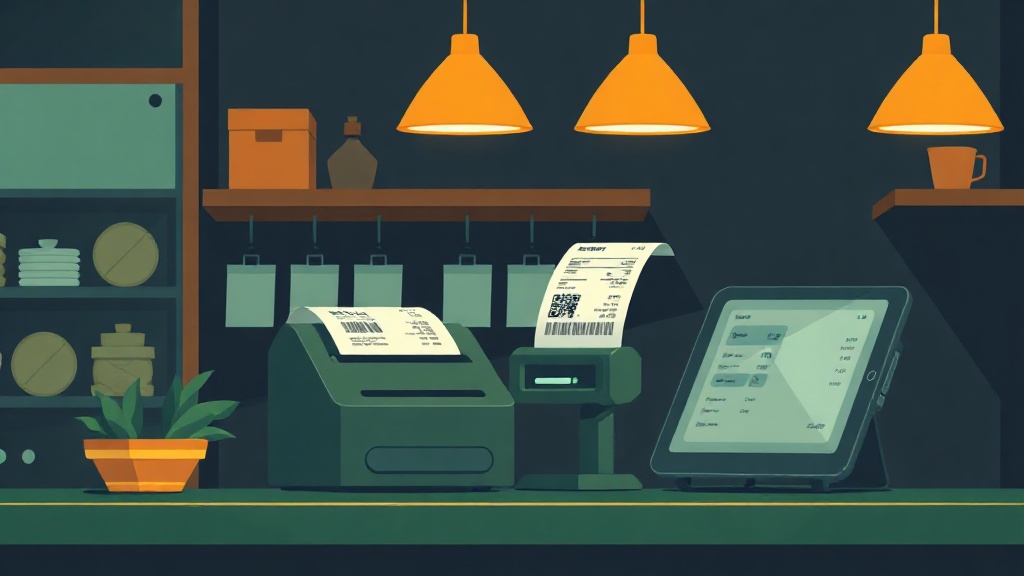
Requirements differ by country, but a 2026 retail compliance guide lays out the fields that show up again and again across jurisdictions: business name, tax registration or tax ID number, a unique receipt or invoice number, date and time of sale, itemized goods or services, the applicable tax rate, the tax amount, and the total.[1] Some markets are now adding a QR code for verification, letting a customer or auditor confirm a receipt against the seller's tax filings electronically.[1] That's a meaningful shift from a plain paper slip to what's effectively a machine-verifiable record, and it's the most notable recent development in this space — though it's worth flagging that much of the detailed guidance we found comes from POS and printer vendors describing their own products, so treat specific product claims with some skepticism even where the general compliance principles are sound.
Does every sale legally need a receipt?
This is where local law does the real work, and it varies more than shop owners expect.
- In the Philippines, receipts generally need to come from BIR-registered systems, and printing itself may require an official Authority to Print (ATP) from the tax bureau before a shop can even use a particular receipt booklet or printer setup.[1][2] Failing to issue official receipts carries real legal exposure for the business, not just an administrative slap on the wrist, and customers can formally report shops that refuse to issue them.[3]
- In India, GST invoicing rules require the seller's GSTIN, HSN/SAC product codes, a clear tax breakup (CGST/SGST/IGST as applicable), and sequential invoice numbering — and there are specific setup steps for printing GST-compliant invoices on ordinary thermal printers rather than needing specialized fiscal hardware.[4]
- In Australia, the rule is tied to transaction size and customer request: receipts are generally required for sales over AUD 75, and for smaller sales a customer can still request one within a set window.[5]
The practical takeaway isn't "memorize every country's rule" — it's that shop owners need to check four things for their specific jurisdiction: whether a receipt is mandatory for every sale or only on request, which tax identifiers legally must appear on it, whether a fiscal or electronic receipt approval process applies, and whether the printer or POS itself needs formal registration or accreditation before use.[1][2]
Why does receipt numbering matter so much?
Sequential, unique receipt numbers come up in nearly every jurisdiction's guidance, and for good reason: a broken or reused numbering sequence is one of the easiest red flags for an auditor to spot, because it suggests receipts were voided, skipped, or issued outside the system.[1] For a small shop, this isn't abstract — it's the difference between a clean audit trail that supports your own sales reporting and a set of records that raises questions you can't easily answer months later. A POS system that automatically enforces sequential numbering, rather than relying on a cashier to write numbers by hand or reuse a pad of blank receipts, removes a common failure point.
What about countries with fiscal printer or cash register approval regimes?
Some tax authorities go further than requiring the right fields on a receipt — they require the hardware and firmware itself to be certified. Fiscal printer mechanisms are built specifically to meet these stricter regimes, where the printer has tamper-resistant memory or direct reporting links to the tax authority, rather than just printing whatever the connected software tells it to.[1] This model shows up in different forms depending on the country's tax enforcement approach, and it's a meaningful reminder that "compliant" doesn't mean the same thing everywhere: in some markets any decent thermal printer plus the right software template is enough, and in others the printer itself needs to be an approved, registered piece of fiscal hardware before a single receipt can legally be issued from it.
How should small shop owners actually approach this?
For a shop running lean — one till, one or two staff, tight margins — the goal isn't to become a tax expert. It's to get the setup right once so it doesn't cause problems later. A few concrete habits help:
- Confirm with a local accountant or tax office which fields are mandatory before configuring receipt templates, rather than copying a template from another country.
- Check whether your printer or software needs formal registration or an authority-to-print style approval before you start issuing receipts from it.[2]
- Keep receipt numbering automatic and sequential inside your POS rather than manual, so there's no gap for human error or dispute.[1]
- Treat receipts as part of your bookkeeping, not just a courtesy to the customer — they're the backbone of sales and tax reporting either way.
This is exactly the territory we think about when building Pultrack. We designed it for shops that operate with two currencies and patchy internet — common realities in the markets we serve — so receipts need to print correctly and keep the right records even when the shop is offline for hours at a time, and then reconcile once connectivity comes back. Sequential receipt numbering, itemized tax fields, and dual-currency totals aren't edge cases for us; they're the daily default for the shop owners we build for. We don't claim Pultrack automatically satisfies every country's fiscal printer or authority-to-print regime — those are jurisdiction-specific legal requirements a shop owner has to verify locally — but we do design the software layer so the compliance fields are there by default rather than something a busy shopkeeper has to remember to add.
What's the bottom line for shop owners right now?
Receipt compliance in 2026 is trending toward more structured, verifiable records — itemized tax breakdowns, sequential numbering, and in some places QR-based verification — rather than a simple printed slip.[1] But the hardware trend is secondary to the legal one: the printer is not the compliance layer, the software and the shop's understanding of local rules are.[1] Before buying any receipt printer, the more useful first step is a short conversation with a local tax advisor about exactly which fields, approvals, and numbering rules apply to your shop.