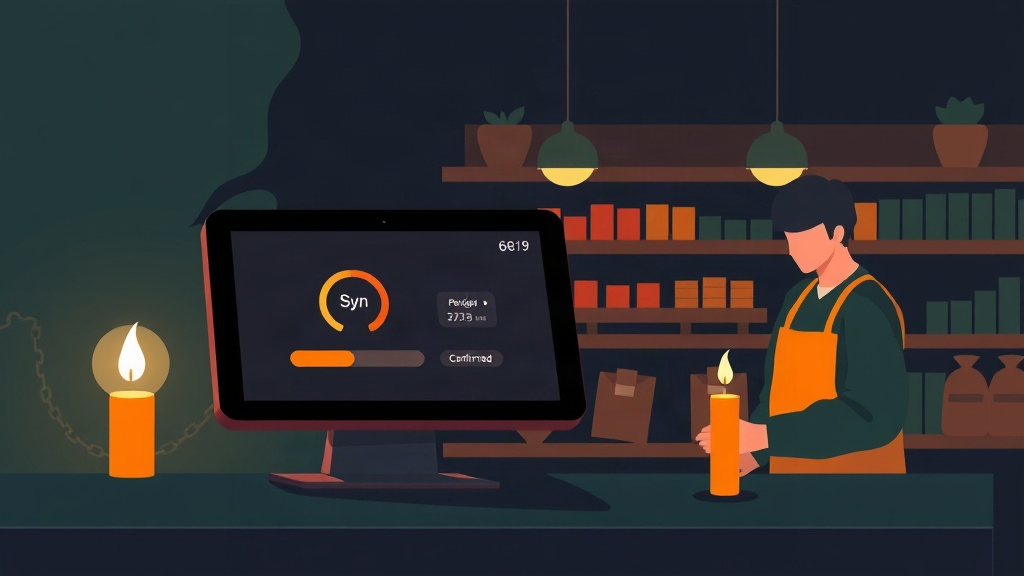
What Happens During Sync? The Hidden Moment That Makes or Breaks Offline POS
We build Pultrack, a POS and inventory app for small retailers running dual-currency, offline-first operations, so we spend a lot of time thinking not just about whether a system works offline, but about what happens the moment it reconnects. That second question gets far less attention than it deserves.
Why is everyone suddenly talking about offline-first?
Recent architecture writeups on POS systems converge on a similar theme: connectivity should be treated as a sync layer, not a dependency. Local storage, queued writes, and automatic reconciliation when the network returns are becoming the standard pattern rather than an advanced feature.[1] For shops in markets with intermittent power and internet, this shift matters because sales cannot simply pause when a connection drops.[2] The distinction that keeps surfacing is between "offline-capable" — a degraded fallback mode — and "offline-first," where the local device is the primary source of truth and the cloud is secondary.[3] That distinction is not academic. A cash register that merely tolerates disconnection might block discounts, hide part of the catalog, or refuse to print a receipt when the signal drops. A true offline-first design keeps pricing rules, inventory counts, and receipt generation fully local, so a shopkeeper never notices the difference between a good and bad connectivity day.[4]
What actually happens when the connection comes back?
This is the part vendors talk about less, and it's the part that determines whether offline-first actually holds up in daily use. When a phone or terminal reconnects after hours or days offline, it has to reconcile a queue of local transactions with whatever happened on other devices or the cloud in the meantime. Well-designed systems use idempotent APIs so a sale accidentally submitted twice doesn't get recorded twice, and they apply conflict-resolution rules for cases where, say, two staff members sold the last unit of the same item from two different registers before either device saw the other's update.[5] For a small shop, this is not a hypothetical. Consider a kiosk with one Wi-Fi-connected tablet and one phone used as a backup register during a power cut. If both take sales against the same stock item while offline, someone will oversell — the only question is whether the system flags it clearly during sync or silently overwrites one sale's inventory adjustment with the other's. Production lessons from building these systems emphasize prioritizing certain operations (like finalizing a printed receipt) over others, and designing the sync queue so critical writes aren't lost or reordered incorrectly.[6]
Does "offline-first" mean the shop runs exactly like it's online?
In principle, yes — that's the promise. The offline mode described in current product literature is meant to be complete enough to run the business, not a stripped-down emergency mode: full catalog access, pricing and discount rules, receipt printing, and inventory updates are all expected to work locally.[3] In practice, the completeness of that offline mode varies a lot by vendor and by what "inventory update" actually means under the hood. A few things worth asking before assuming a system is truly store-autonomous:
- Does the offline mode support your full price list and discount rules, or only a cached subset?
- Can it print a valid receipt with no network at all, including any required tax fields?
- What happens to stock counts across two devices that go offline separately at the same time?
- Is there a visible log or notification when the sync process resolves a conflict, or does it happen silently?
- Can a shopkeeper see which sales are "pending sync" vs. confirmed, so they know their books are provisional?
Why does this matter more in emerging markets specifically?
In markets with frequent outages, the sync moment happens far more often than in a market with stable broadband. A shop that loses connectivity for two hours every afternoon isn't hitting an edge case once a year — it's hitting the reconciliation path daily. That raises the stakes on getting conflict resolution right, because small errors compound: a stock count that's off by a unit or two after every sync eventually turns into a shelf that doesn't match the ledger, which is exactly the kind of discrepancy that makes shopkeepers stop trusting software and go back to a notebook. It's also worth being honest about the evidence base here: most of what's published on offline-first POS architecture right now comes from vendor blogs, product marketing pages, and individual engineers describing their own builds, rather than independent research or large-scale studies.[1][4] The architectural reasoning is sound and the pattern — local-first storage, background sync, idempotent writes — is consistent across sources, but claims about reliability or "unstoppable" uptime should be read as vendor positioning, not verified outcomes.
What should a shop owner actually check before choosing a system?
Given how standardized the underlying pattern has become — local database first, background sync later, conflict resolution for critical tasks like printing — the differentiator between products is less "does it work offline" and more "how gracefully does it handle coming back online."[6] At Pultrack, this is the piece we treat as core rather than cosmetic: dual-currency totals, stock levels, and receipts need to reconcile cleanly across devices and across days without connectivity, and a shopkeeper should be able to see, in plain terms, which sales are still pending sync versus fully confirmed. That's a narrower and more testable claim than "works offline," and it's the one we think actually predicts whether a system holds up in a shop that loses power most afternoons. If you're evaluating any offline-first POS — ours or anyone else's — ask to see the sync log after a deliberately disconnected test run. A vendor that can show you exactly how it resolved a conflicting stock update is demonstrating something real. A vendor that can only tell you the app "works without internet" hasn't yet shown you the part that matters most.