PULTRACK F&B · Live
Run your restaurants and bars as one kitchen — from any tablet.
Pultrack F&B runs your front-of-house till, your menu with modifiers, and open checks for dine-in and takeaway — with real double-entry books behind every order. In the cloud, on any device. Kassa. Menýu. Hasap.
- Touch till: menu tiles, modifiers, open checks for dine-in and takeaway
- Real double-entry books — balance sheet and P&L in two currencies
- Run several restaurants and bars under one account
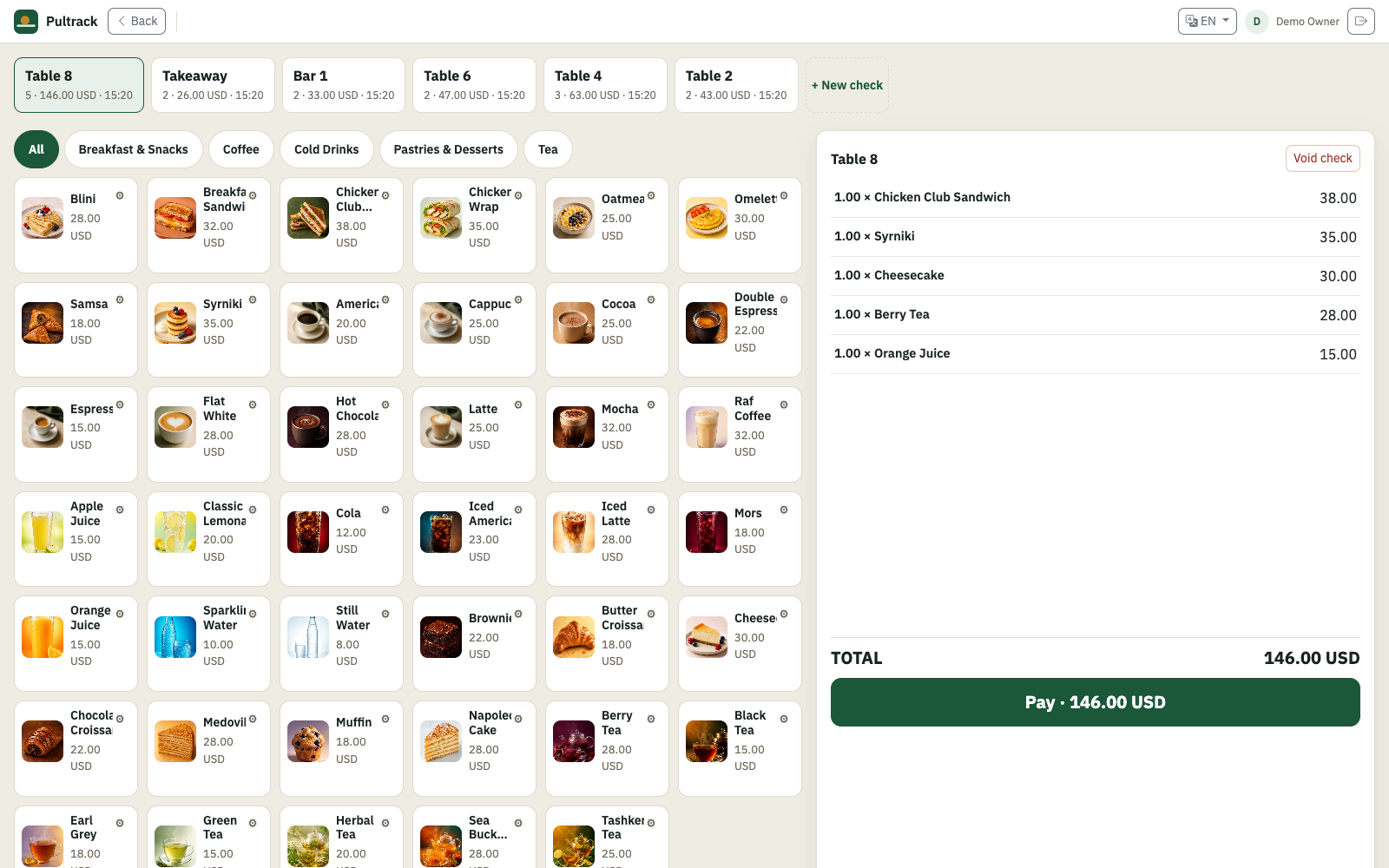
Take the order at the till
Tap items off a menu of tiles, add modifiers — size, milk, extras — and open a check per table. Dine-in or takeaway, split or void a line, then close and take payment. Built for a tablet, finger-first.
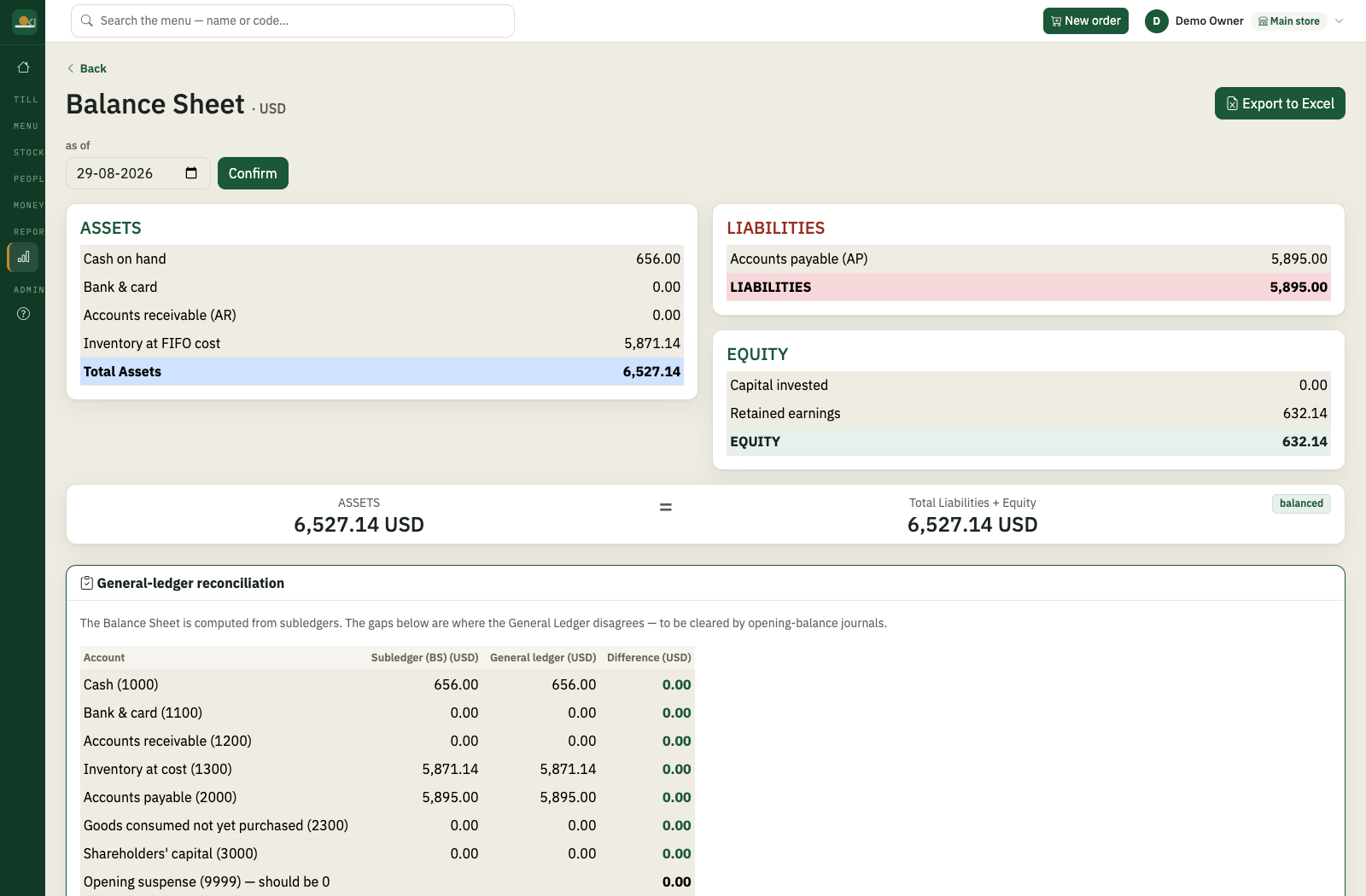
Books that reconcile themselves
Every check you close posts real double-entry records. Balance sheet, P&L and the day’s takings are always one tap away — in two currencies with locked exchange rates.
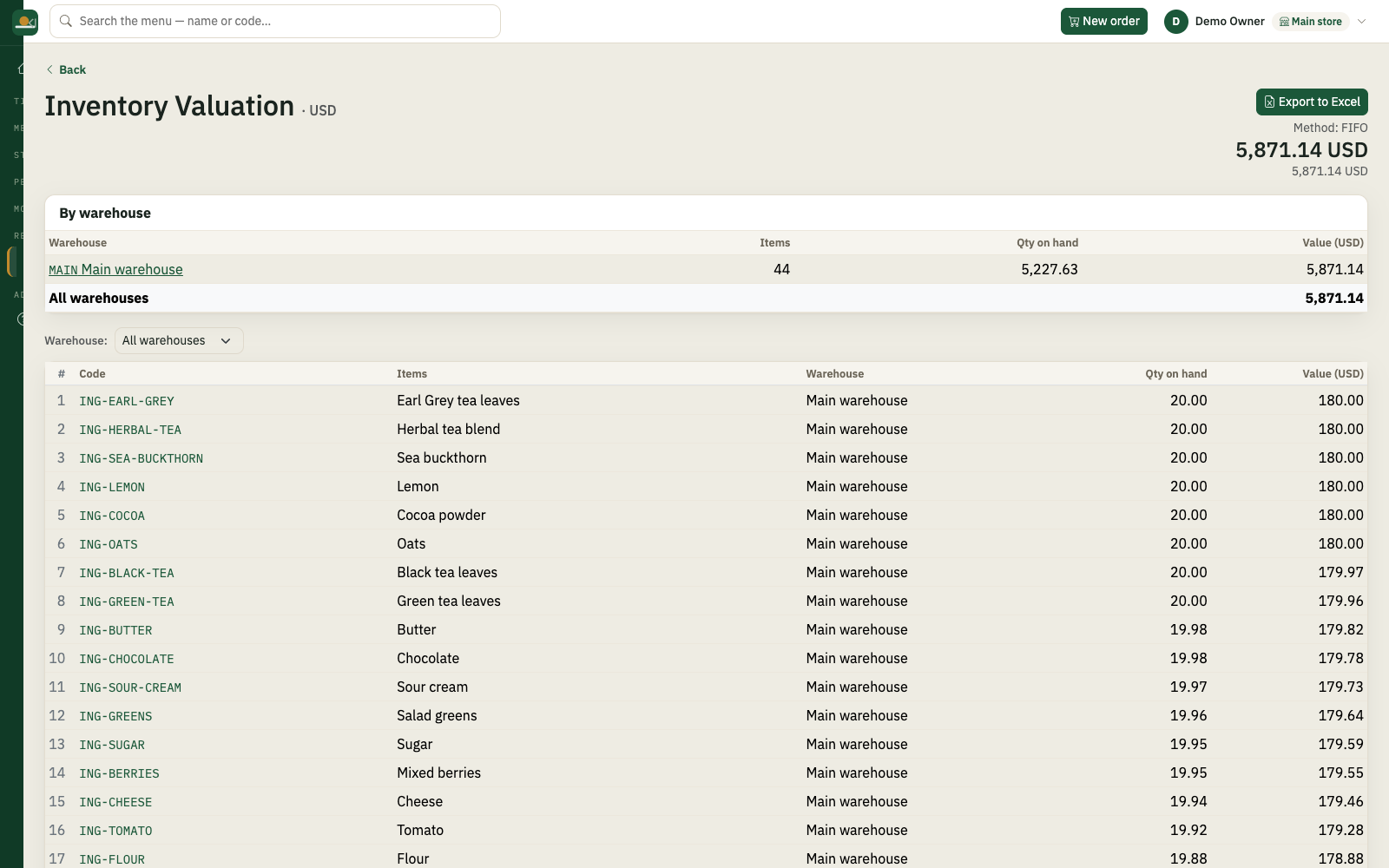
Stock that doesn’t lie
Purchases, stock counts and per-ingredient on-hand across every venue. Know what you bought, what you have, and what it cost — without a separate spreadsheet.
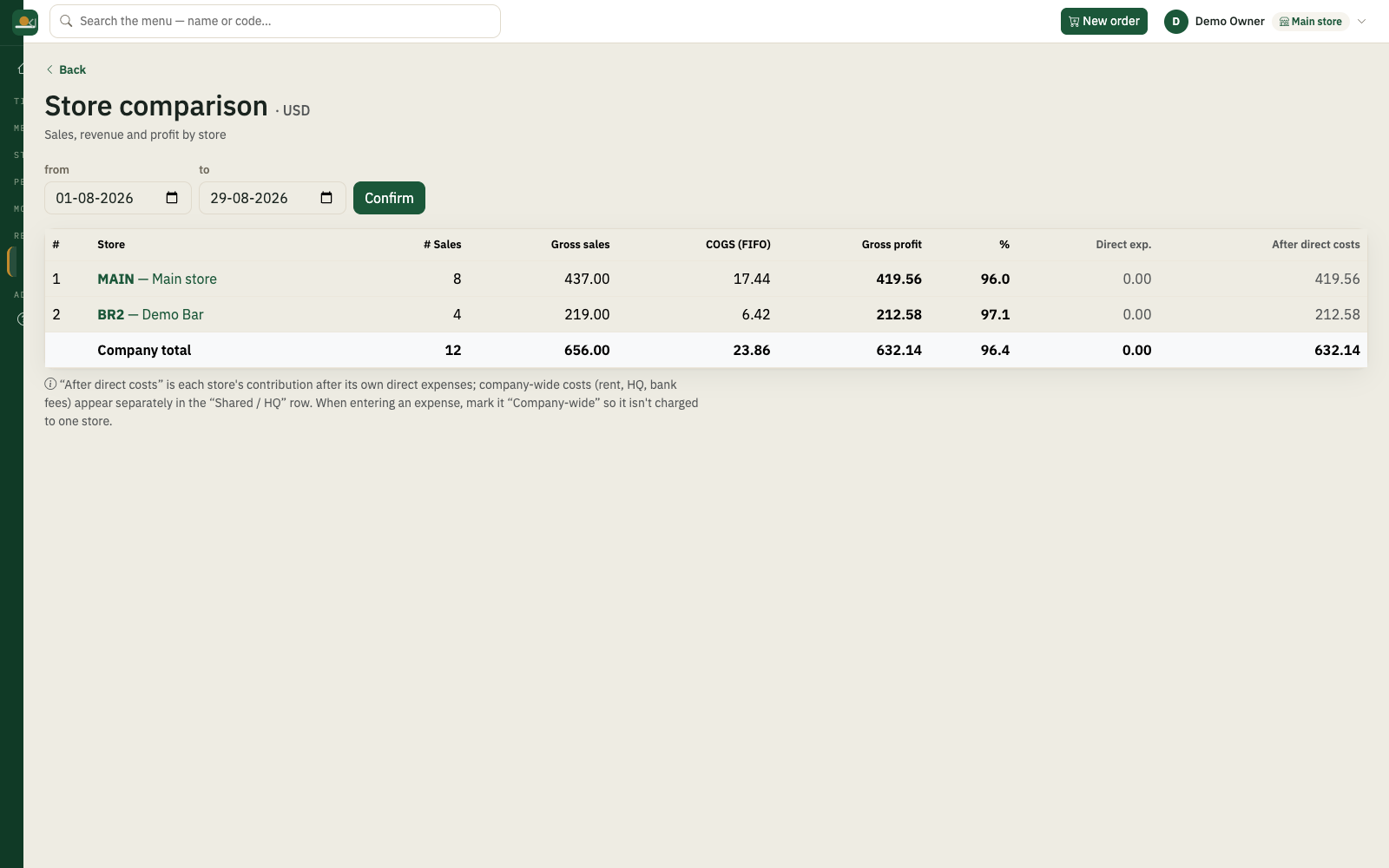
Every venue, one business
Run several restaurants and bars from one account. Each venue keeps its own sales and stock, all rolling up into one set of books you can check from anywhere.
Local when you need it, cloud when you want it
Install the desktop app for a local till that keeps working without internet, or open the hosted web app for cloud access. The Android tablet app connects to your hosted Pultrack F&B account.
- 01Download and install the app
- 02Name your venue, set a password
- 03Add your menu, ring the first order
Download the app
The desktop app includes every feature for 30 days. After that, enter an activation code to keep creating transactions; your existing records remain readable.
Windows may show a SmartScreen warning for new downloads: click “More info”, then “Run anyway”. On macOS: right-click the app and choose “Open” the first time.
Free trial
The desktop app includes every feature for 30 days. After that, enter an activation code to keep creating transactions; your existing records remain readable.
- One account runs all your venues.
- Support in your language.
Free trial
The desktop app includes every feature for 30 days. After that, enter an activation code to keep creating transactions; your existing records remain readable.
1 month
Pay month to month. Same features as the yearly plan — switch whenever you want.
1 year
All features, all updates, support in your language.
More than one venue
| per month | per year | |
|---|---|---|
| 1 venue | 200 TMT | 2100 TMT |
| 2 venues | 350 TMT | 3700 TMT |
| 3 venues | 470 TMT | 5000 TMT |
| each venue after | +120 TMT | +1300 TMT |
Each venue bills at its own step, added together — the totals above are the full price. 10 venues or more: by agreement.
- Pay in manat — cash, bank transfer, or through your agent.
- One account runs all your venues.
- One licence covers one venue — a location, not a computer. Run as many tills there as you need.
Does it run on a tablet?
Yes. Use the Android tablet app with your hosted account, or open the web app in any modern browser. Windows and macOS installers are available for the till and back office.
Can I run more than one restaurant or bar?
Yes. Add each venue under one account — every venue keeps its own sales and stock, and they roll up into one set of books.
How do menu modifiers work?
Build modifier groups — size, milk, extras — and attach them to items. At the till you tap the item, pick the modifiers, and the price and kitchen line update automatically.
Where is my data?
The desktop app keeps its database on that computer and works offline. The hosted web app keeps each company in its own isolated cloud database. Your records remain readable after a desktop trial expires.
What languages does it work in?
The till and the back office run in your language — the same wide set of languages Pultrack ships across, switchable per user.
What do I need to get started?
A Windows or Apple-silicon Mac computer for the local desktop app, or an Android tablet for the hosted account. Install it, name your venue, add your menu — and take your first order.