- 01
Download the app
Windows 10 or newer. The installer includes everything — no extra downloads.
Windows may show a SmartScreen warning for new downloads: click “More info”, then “Run anyway”. On macOS: right-click the app and choose “Open” the first time.
- 02
Run the installer
Next, next, finish. Pultrack opens in its own window when installation completes.
- 03
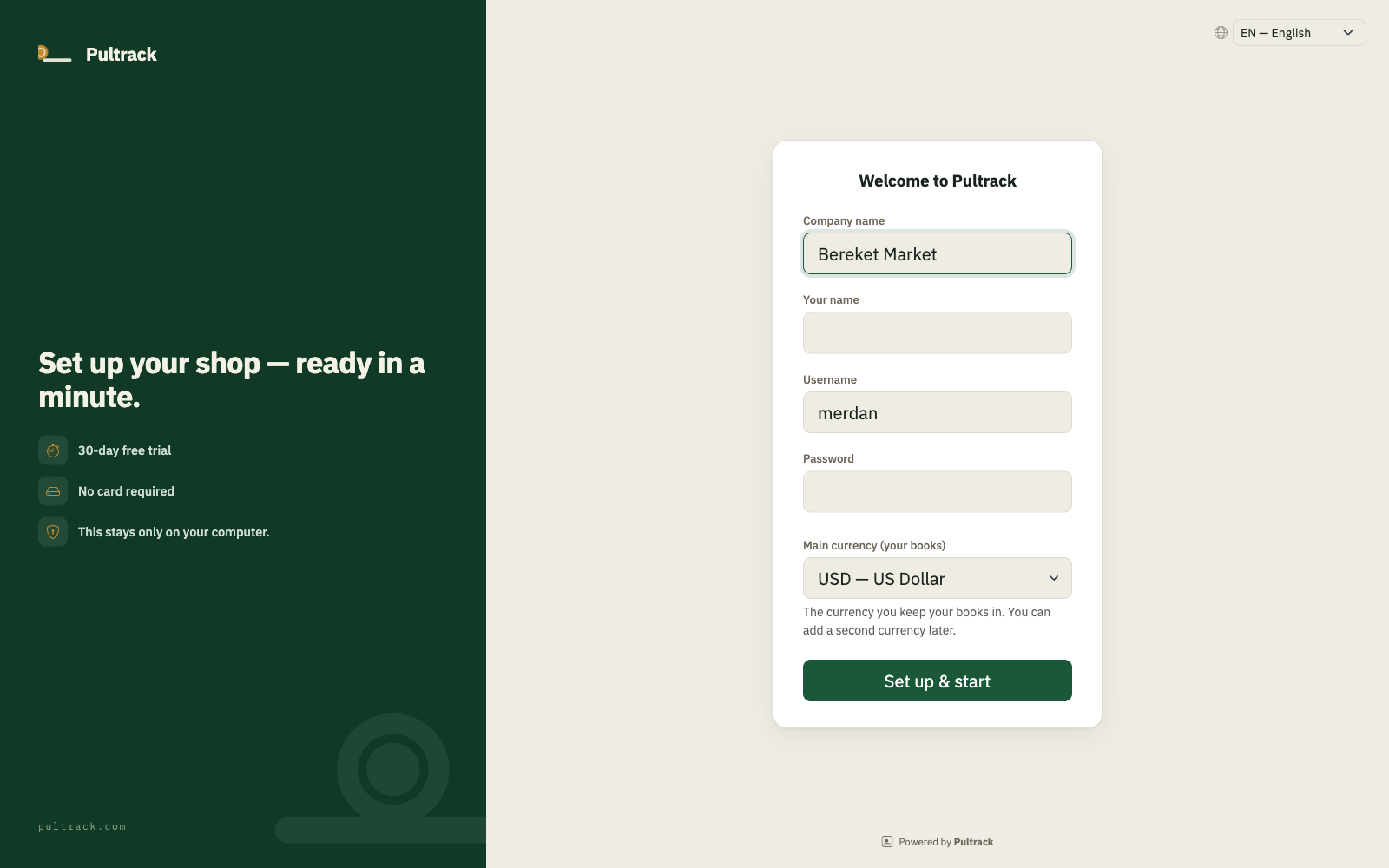
Name your shop, set your password
On first launch the app asks for your shop’s name and an owner username and password. This is your account — it lives on your computer, works offline, and later signs you in to the cloud mirror too. Choose a password you’ll remember; it protects your money records.
- 04
Add a product, ring a sale
The dashboard checklist walks you through it: add your first products (or import your stock list from Excel), then press New sale and ring one up. That’s it — the books post themselves.

- 05
Your safety copy
Pultrack automatically keeps an encrypted copy of your shop’s database on our server. Once your online mirror is set up, Settings shows your Company ID — with it, you can view and edit your shop’s books at pos.pultrack.com from any phone or laptop. Cloud edits are overwritten by the next desktop push, as the red warning banner explains.