Offline POS
Offline POS software that keeps the shop running
Sales, stock and reports run on the shop computer; internet is only for the cloud copy and synchronization.
The shop does not wait for a connection
Pultrack starts and runs locally. The till, documents and reports remain available through a long internet outage.
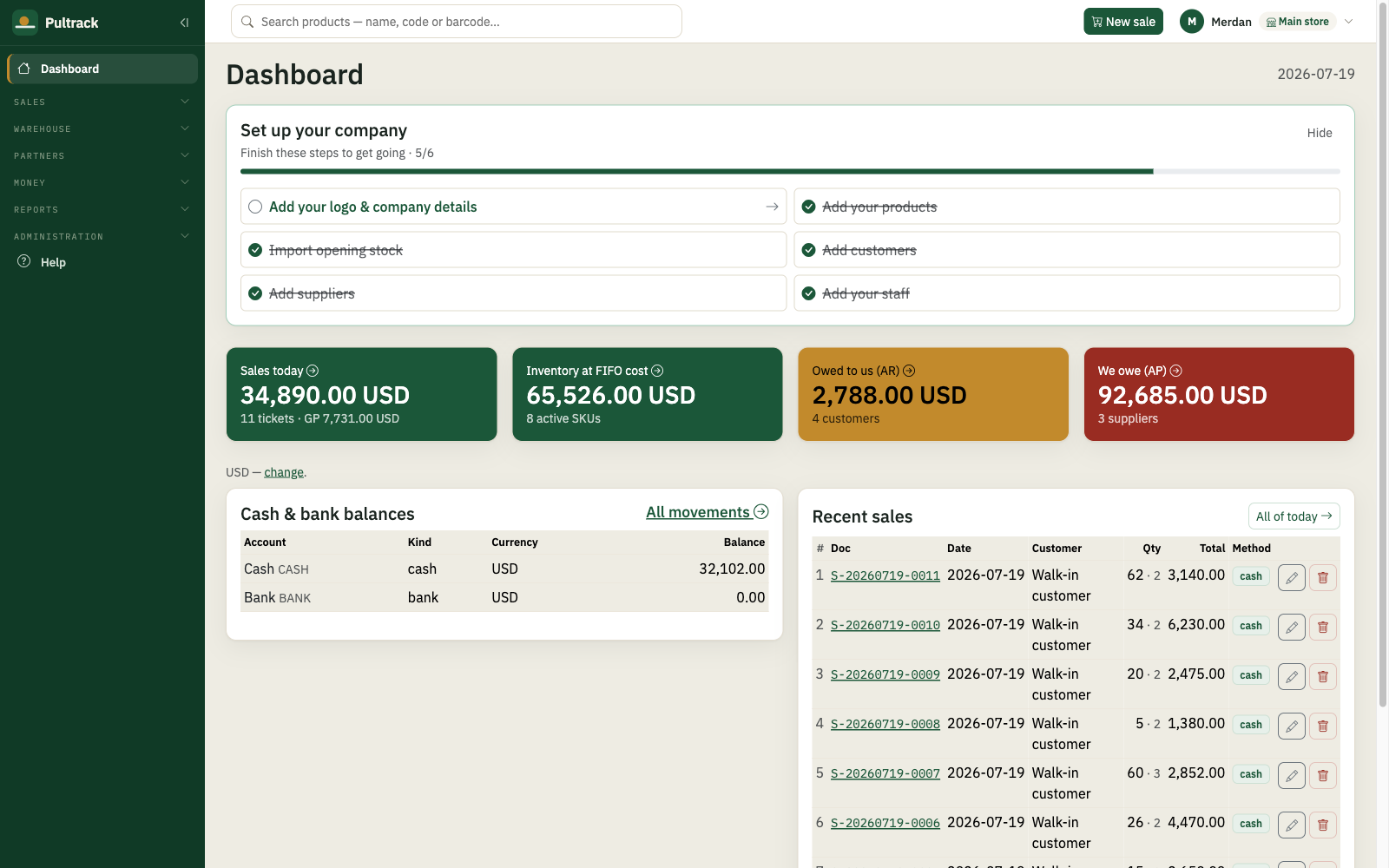
Your data stays on your computer
The shop book lives in a database file on the PC. An encrypted recovery copy is sent to the server whenever a connection is available.

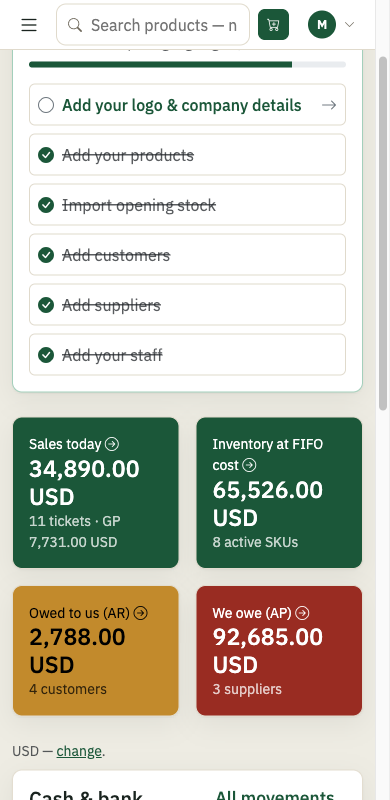
Phone view, current to the last connection
The cloud mirror shows the state at the shop PC’s last connection. Cloud edits are overwritten by the next desktop push, and the interface warns about this.
Price
One price for the whole shop
Every feature and update is included. One licence covers one location and any number of tills there.
Free trial
30
days1 month
200 TMT
$11.11 · per month1 year
2100 TMT
$116.67 · per yearQuestions and answers
Questions and answers
Will the till work for two days without internet?
Yes. Sales and accounting continue locally on the computer. The cloud copy catches up when the connection returns.
Where is my data kept?
The primary database is a file on the shop computer. An encrypted copy is kept on the server for recovery.
Can I check the shop from home?
Yes, through the cloud mirror. It shows data current to the shop computer’s last connection.
What happens to edits made in the cloud?
The next desktop push overwrites them. A red warning in the cloud interface explains this.
What happens in a power cut?
Pultrack reopens the local database when the computer starts. Continuous operation during the outage requires a UPS or backup power.