Instead of paper and Excel
Replace the shop notebook and Excel with records that balance themselves
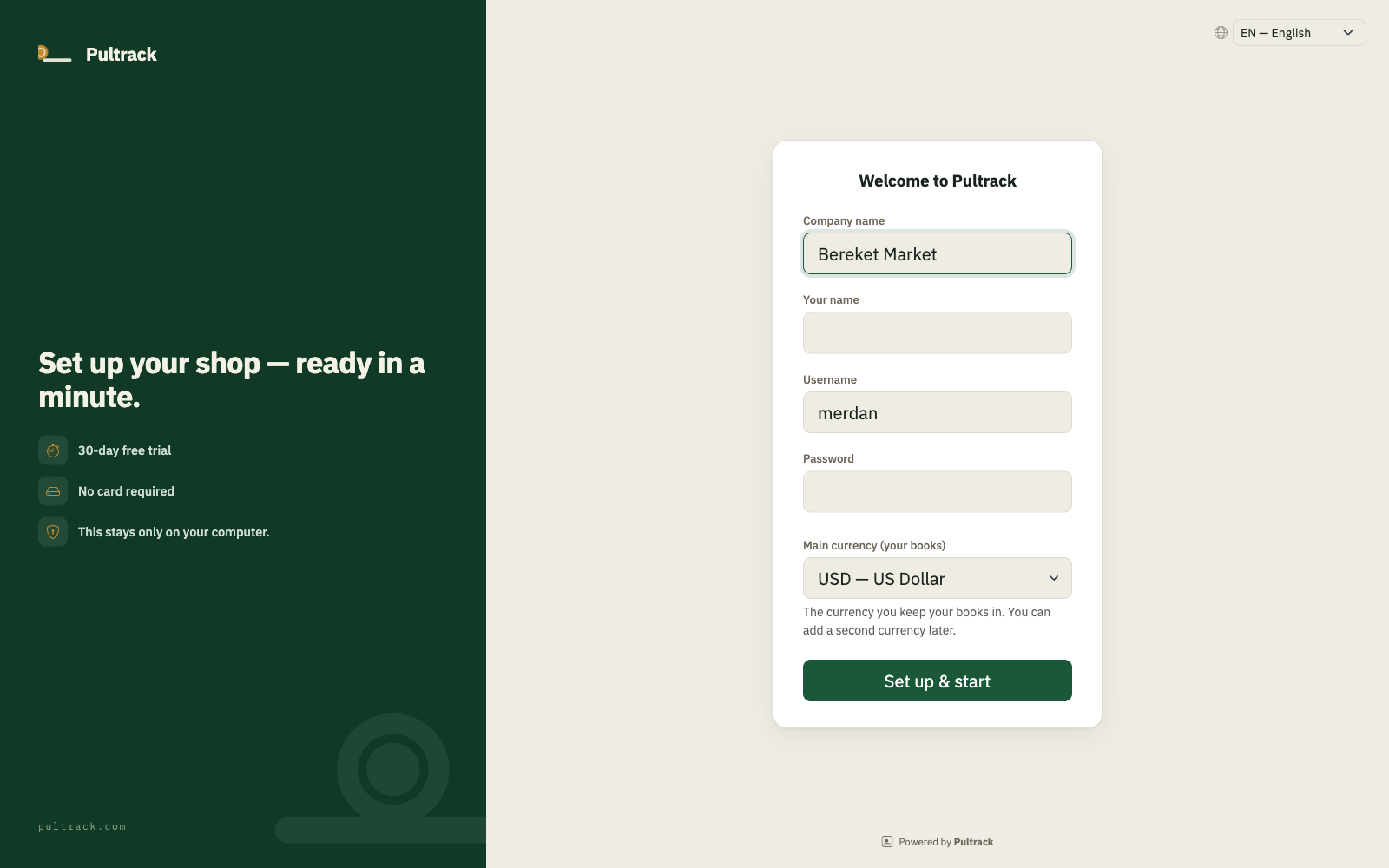
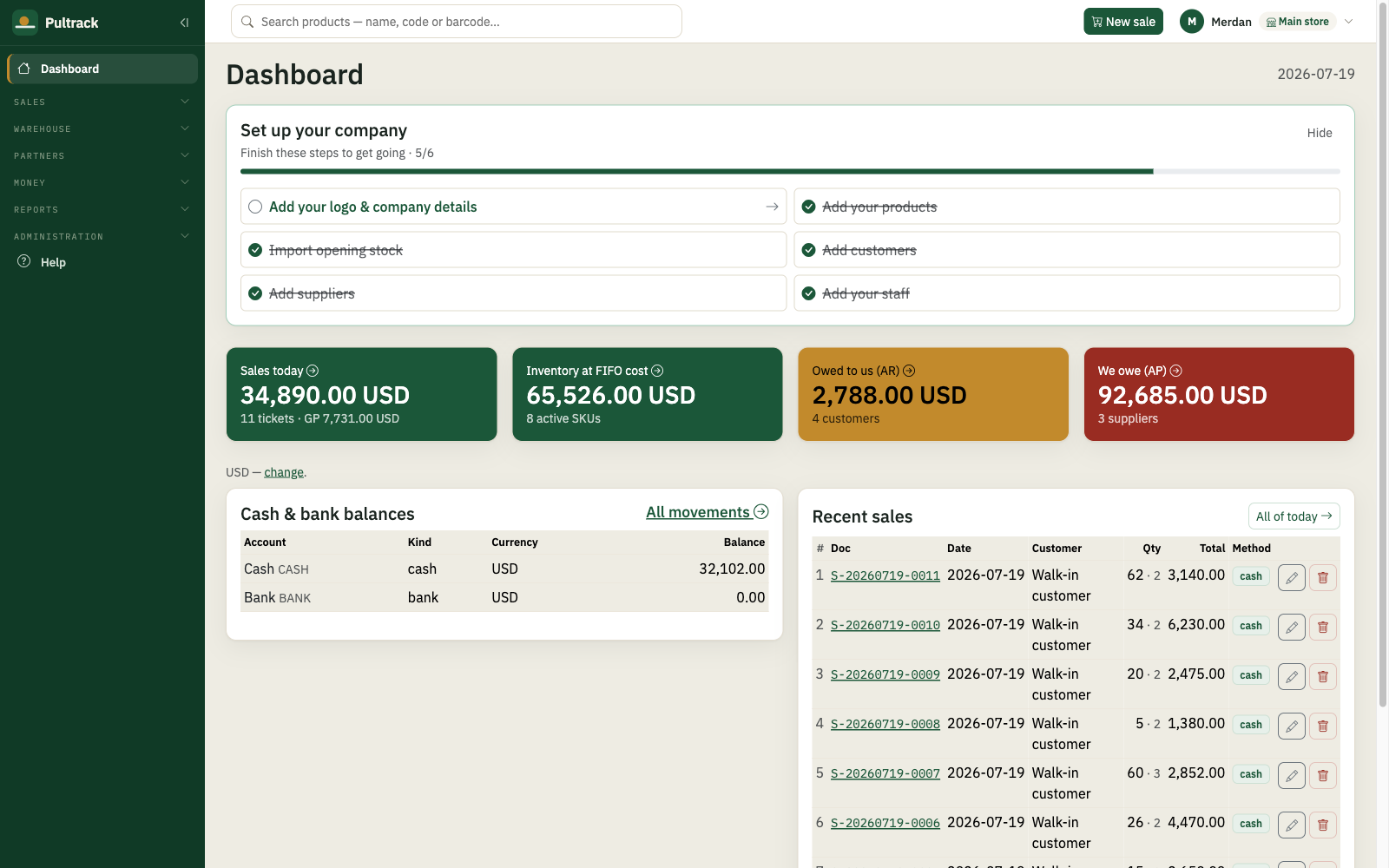
Pultrack connects the till, stock, debts and accounting entries while keeping Excel import and export.
Start from your spreadsheets
Import opening stock, items, customers, suppliers and purchase bills with Excel templates instead of typing everything again.

One sale updates everything
A sale moves stock, money, customer debt and accounting entries together. There are no separate files and notebooks to reconcile.
Take reports back to Excel
Sales, stock, profitability, balance sheet and other reports export to Excel. The cashier role still cannot open profit reports.
Price
One price for the whole shop
Every feature and update is included. One licence covers one location and any number of tills there.
Free trial
30
days1 month
200 TMT
$11.11 · per month1 year
2100 TMT
$116.67 · per yearQuestions and answers
Questions and answers
Can I import my Excel item list?
Yes. Templates cover items and opening stock, with separate imports for contacts and purchase bills.
Can I still export to Excel?
Yes. Core reports have exports, and all reports can be downloaded in one workbook with separate sheets.
How long does switching take?
Basic setup and the first sale take about ten minutes. A large item list is faster through the import template.
Can the cashier see my profit?
No. The cashier role handles sales and receiving but cannot open reports.
Does Pultrack work without internet?
Yes. The main app and data run on the shop computer; internet is used for cloud copy and synchronization.